

.webp)








Is Mentalyc compliant with privacy regulations?
Yes — 100% HIPAA & SOC 2 Type II compliant in the U.S., plus built to meet Australian Privacy Principles and Canada’s PIPEDA standards.
Will the notes and Treatment Plan fit my approach, clients, and therapy style?
Absolutely. Whether you’re working with individuals, couples, families, or groups, you can create personalized, customized notes and a Treatment Plan for each client.
Mentalyc supports a wide range of therapy styles and modalities—including CBT, EMDR, psychodynamic, humanistic, play therapy, ABA, social work, PMHNP, and more—so you can tailor your plans to match your unique clinical approach.
Mentalyc offers editable templates that you can modify, use as is, or build from scratch, so you have full control at every step of note creation.
Mentalyc supports a wide range of therapy styles and modalities—including CBT, EMDR, psychodynamic, humanistic, play therapy, ABA, social work, PMHNP, and more—so you can tailor your plans to match your unique clinical approach.
Mentalyc offers editable templates that you can modify, use as is, or build from scratch, so you have full control at every step of note creation.
How can I record my session with Mentalyc?
Mentalyc captures your session data in a few ways:
- Live listening – Let the app listen during in-person or telehealth sessions.
- Upload a session recording – Add an audio file after the session.
- Dictate a summary – Speak your notes via phone or computer.
- Type a summary – Manually enter a written summary to generate structured notes.
- Live listening – Let the app listen during in-person or telehealth sessions.
- Upload a session recording – Add an audio file after the session.
- Dictate a summary – Speak your notes via phone or computer.
- Type a summary – Manually enter a written summary to generate structured notes.
Is Mentalyc a trustworthy company?
Yes! Mentalyc is a well-established company that has been a pioneer in AI-powered note-taking since 2021. We know the field inside out, including both therapists and people who’ve experienced therapy firsthand. We build Mentalyc in close collaboration with practicing clinicians, shaping every feature around their real needs.
We are:
✔️ HIPAA-compliant
✔️ Profitable and independent
✔️ Trusted by over 30,000 therapists
✔️ Continuously evolving with feedback from our community
We’re here for the long term, focused on building a secure, ethical, and therapist-centered tool you can rely on.
Want to learn more about who we are and why we do this? [Click here.]
We are:
✔️ HIPAA-compliant
✔️ Profitable and independent
✔️ Trusted by over 30,000 therapists
✔️ Continuously evolving with feedback from our community
We’re here for the long term, focused on building a secure, ethical, and therapist-centered tool you can rely on.
Want to learn more about who we are and why we do this? [Click here.]
Can Mentalyc be used for in-person sessions?
Yes. You can use Mentalyc's built-in recorder during in-person sessions, or just use your phone, tablet, or any other device that records audio. Whatever feels easiest and fits your workflow.
Does Mentalyc provide a BAA?
Yes! When you create an account, you agree to our BAA. You can review it anytime in your profile and download a signed version if needed—just click [Generate BAA].
Do Mentalyc notes comply with insurance?
Yes. Mentalyc helps you create thorough, insurance-ready notes by focusing on medical necessity. It guides you in documenting your client’s current symptoms, diagnosis, and how these impact daily functioning—all essential for demonstrating the need for treatment.
Your notes automatically reference prior sessions to maintain continuity and support the “golden thread” of treatment, helping you build a clear, connected story over time, especially important for audits.
Mentalyc also recommends evidence-based techniques when listing interventions. This not only enhances the clinical strength of your notes but also helps improve therapeutic outcomes, which naturally show up in your documentation over time.
In addition, Mentalyc lets you track progress against specific goals, monitor client engagement, and build customizable Treatment Plans with measurable objectives, making it easier to demonstrate clinical effectiveness and meet the documentation standards required by insurers.
Your notes automatically reference prior sessions to maintain continuity and support the “golden thread” of treatment, helping you build a clear, connected story over time, especially important for audits.
Mentalyc also recommends evidence-based techniques when listing interventions. This not only enhances the clinical strength of your notes but also helps improve therapeutic outcomes, which naturally show up in your documentation over time.
In addition, Mentalyc lets you track progress against specific goals, monitor client engagement, and build customizable Treatment Plans with measurable objectives, making it easier to demonstrate clinical effectiveness and meet the documentation standards required by insurers.
Does Mentalyc have a mobile app?
Not yet, but you can use Mentalyc right on your phone’s browser, no app needed! To make it even easier, you can add a shortcut to your home screen—just like an app. Check out our simple step-by-step guides for Android and iPhone/iPad to get set up. This way, Mentalyc is always just a tap away, anytime and anywhere.
Is Mentalyc compliant with the data protection regulations in Canada, namely PIPEDA, PHIPA, PIPA, and PHIA
Mentalyc is fully compliant with the data protection regulations in Canada, including PIPEDA, PIPA, PHIA and PHIPA. It adheres to the highest standards of confidentiality and privacy to ensure the safety of our clients' data.
What note formats are available in Mentalyc?
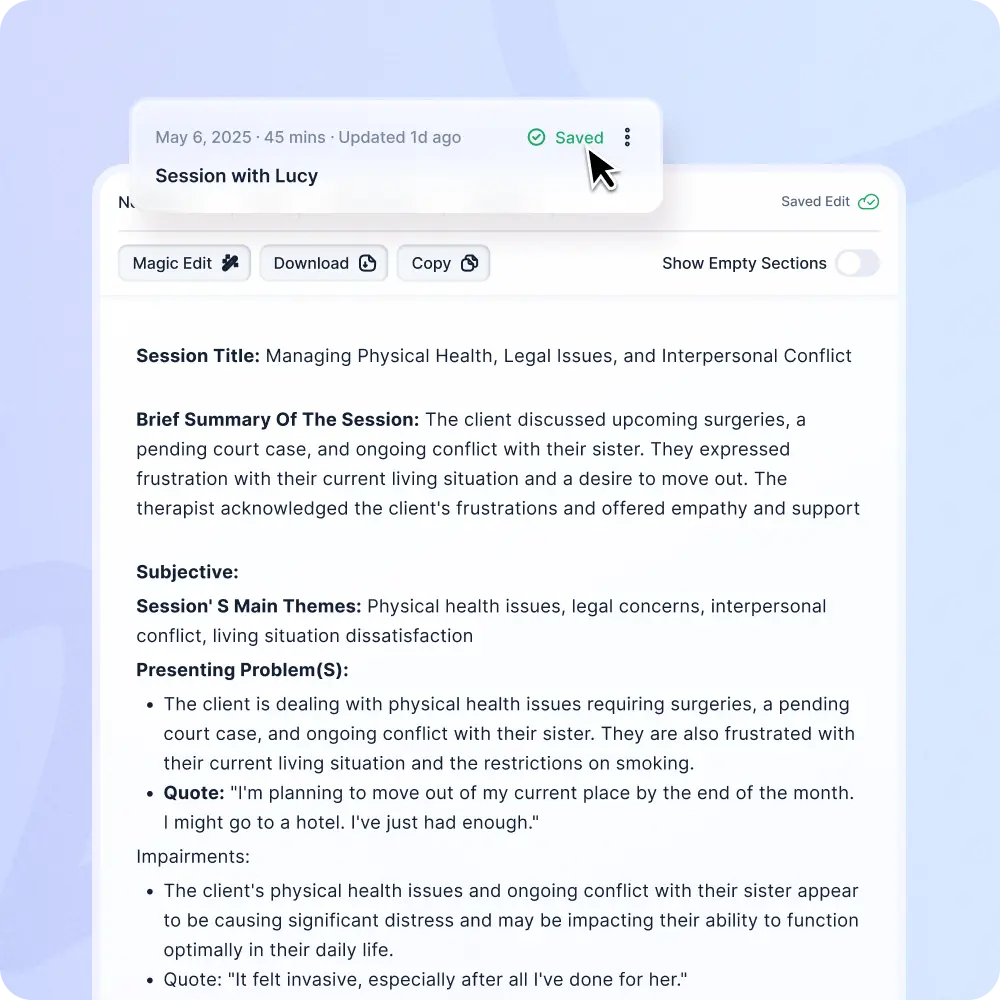
Mentalyc offers a wide variety of note templates to suit your needs— including SOAP, DAP, PIRP, SIRP, GIRP, BIRP, PIE, EMDR, Play Therapy, Psychiatry notes, and more. You can create intake notes, progress notes, and treatment plans.
It supports all client types — individuals, children, couples, and families. Notes can be created from recordings, transcripts, dictation, or written summaries — whatever works best for you. Everything is easy to customize to fit your workflow and style.
It supports all client types — individuals, children, couples, and families. Notes can be created from recordings, transcripts, dictation, or written summaries — whatever works best for you. Everything is easy to customize to fit your workflow and style.
Does Mentalyc offer group therapy notes?
Yes! The app supports group notes - both for the group as a whole and for individual participants. This feature is available on the SUPER and TEAM plans.
Does Mentalyc ensure a “golden thread” for therapy notes?
Yes! Saving your notes in Mentalyc keeps your therapy history connected across sessions, helping you track progress and maintain context over time. That’s why we recommend saving and storing every note in Mentalyc — even if you later transfer it to your EHR.
Do you support telehealth & in-person sessions?
Yes — Mentalyc works seamlessly with both telehealth platforms and in-person sessions—no extra integrations needed. While Mentalyc doesn’t have built-in telehealth, you can easily use it alongside your preferred video platform or phone.
Is Mentalyc compliant with New Zealand's Privacy Act?
Yes, Mentalyc complies with New Zealand’s Privacy Act. You have the right to access, correct, and control your personal information, including opting out of marketing. For full details, check out our Privacy Policy
Is there a client consent form available for use on Mentalyc?
Yes! Mentalyc provides a ready-to-use client consent form designed by industry experts to ensure privacy and compliance. You can easily download, customize, and share it with your clients while keeping a copy for your records. We also offer helpful talking points to guide your discussions about consent. And if a client prefers not to be recorded, you can still use Mentalyc’s dictation feature to document sessions smoothly.
Can I use Mentalyc with my current video call platform (telehealth)?
Yes! You can easily capture audio directly from your browser while using your preferred telehealth platform. Check out our tutorial to learn how.
Does Mentalyc integrate with Simple Practice?
Yes! With the Mentalyc Chrome Extension, you can autofill your notes directly into SimplePractice (and any other EHR) with one click — no copy-pasting.
Is Mentalyc using human scribes?
No, it is not. All transcripts and notes are generated using advanced technology like Machine Learning Algorithms, Language Models, and Statistical models.
Can I use Mentalyc with my EHR?
Absolutely! With our new Chrome Extension, you can send your notes directly into any EHR — Mentalyc automatically places each part in the right section.
Can I create treatment plans using Mentalyc?
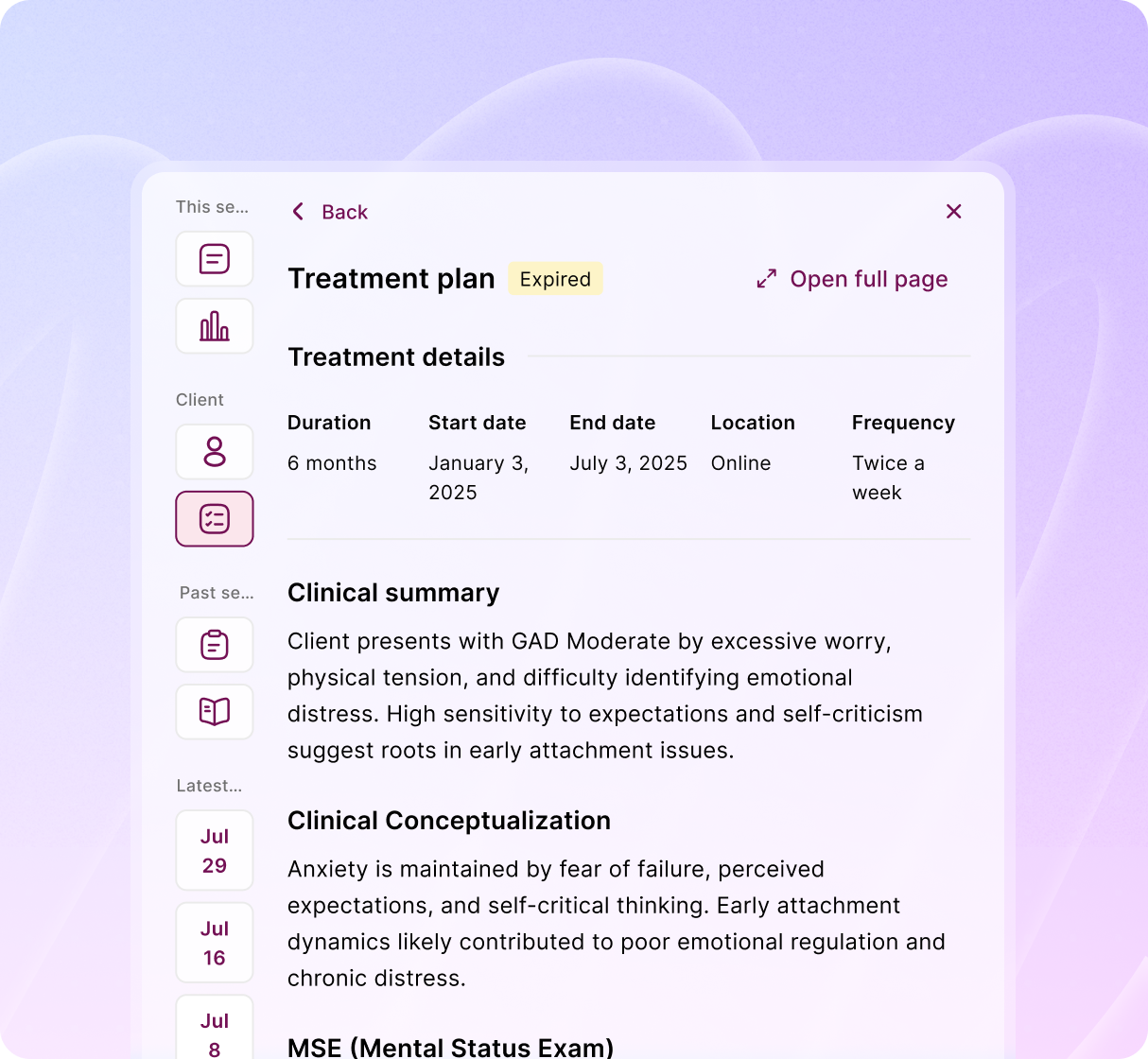
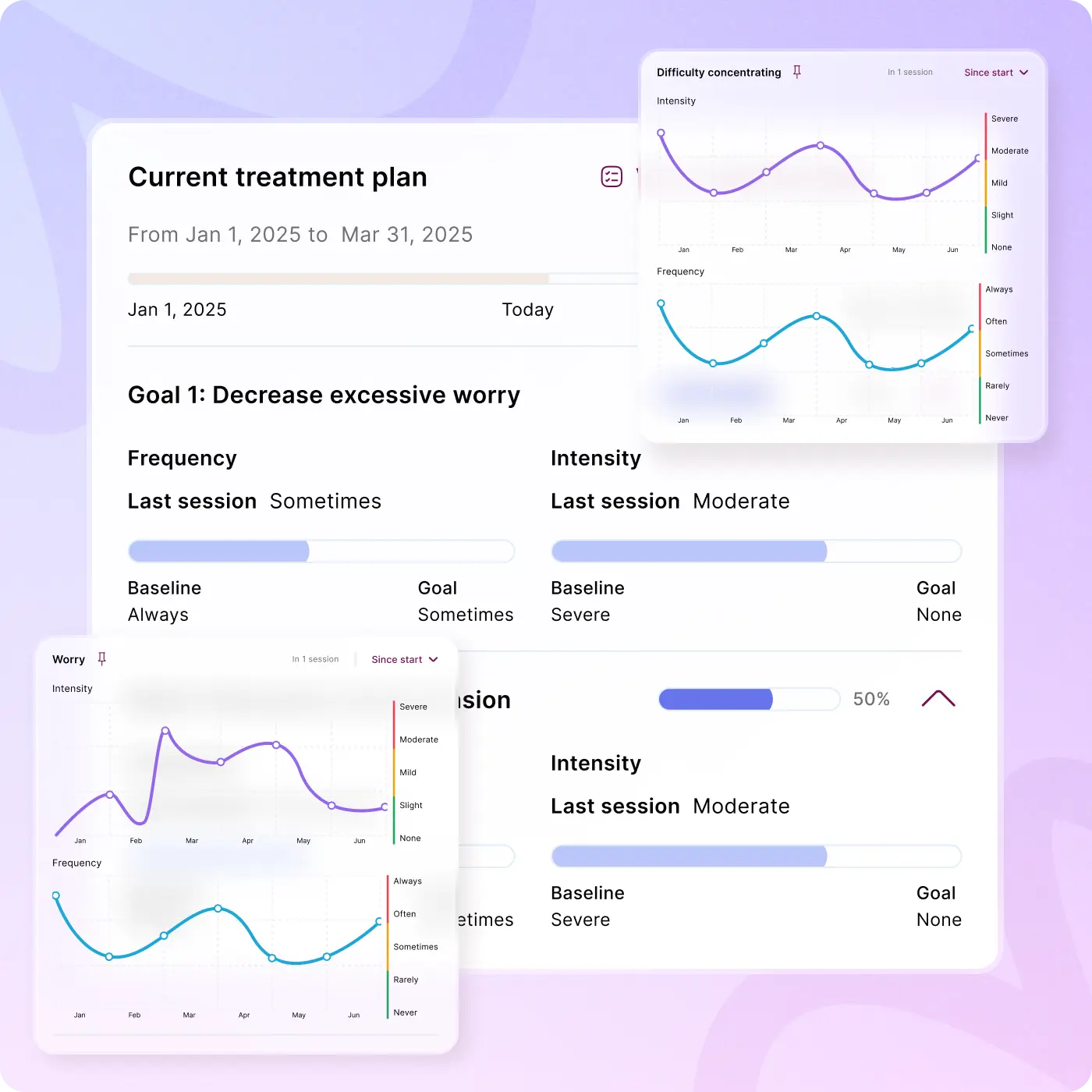
Absolutely! Treatment planning is available on the BASIC plan and above. Mentalyc now supports guided goal setting, intervention suggestion, goal attainment tracking, customizable templates. Your treatment plans will also be auto-updated as your clients moving forward. Learn more about the Treatment Plan here.
How easy is it to get started with Mentalyc?
Very easy! The app is designed to be intuitive and easy to use from day one.
But if you ever need help, we’re here for you — with in-app guides, tutorials, and live support.
But if you ever need help, we’re here for you — with in-app guides, tutorials, and live support.
How does Mentalyc create my therapy notes?
It’s a simple process:
1. Add your session – Record in-person or telehealth session, upload a session recording, dictate or type a session summary.
2. Mentalyc organizes it – Your input is structured into a note using your chosen template.
3. Get your draft – Receive a clear, ready-to-edit note with summary, insights, and next steps.
4. Review – You stay in control by checking and editing the draft.
5. Save Note - store it securely in Mentalyc and/or copy it to your EHR. Saving notes builds therapy context and unlocks helpful analytics
1. Add your session – Record in-person or telehealth session, upload a session recording, dictate or type a session summary.
2. Mentalyc organizes it – Your input is structured into a note using your chosen template.
3. Get your draft – Receive a clear, ready-to-edit note with summary, insights, and next steps.
4. Review – You stay in control by checking and editing the draft.
5. Save Note - store it securely in Mentalyc and/or copy it to your EHR. Saving notes builds therapy context and unlocks helpful analytics